
The Commons · Community Challenge
The build-a-machine concept jam
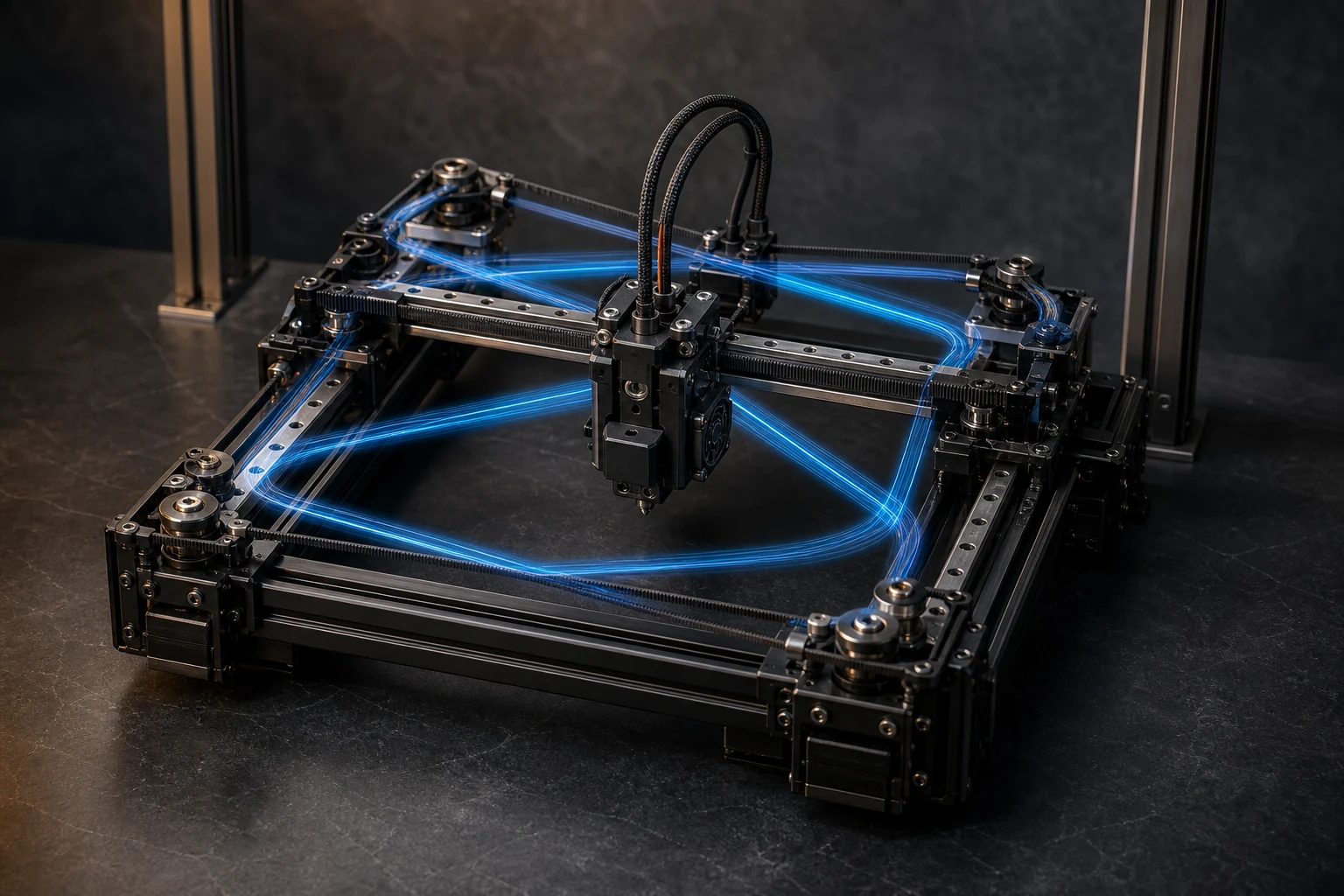
Sketch a non-hazardous printer or motion concept and name the one design constraint it is built around. CAD, drawing, or cardboard mockup; no live builds solicited.
- Level
- Intermediate
- Reading time
- 8 minutes
- Evidence
- community-brief
- Reviewed
- 2026-08-09
Jump through this guide
The short version
Every printer design is a bundle of compromises: stiffer usually means slower to accelerate, faster usually means smaller build volume or a bigger budget, and no concept optimizes every axis at once. This jam asks makers to sketch an original, non-hazardous printer or motion concept and name the one constraint it is designed around, stiffness, speed, build envelope, or cost, as a concept exercise only: CAD, drawing, or cardboard mockup, no mains-voltage wiring, laser modules, or chemical systems to be built. Firmware projects that expose real machine dynamics, such as Klipper's resonance compensation documentation, are useful reading for what a governing constraint actually costs a design in practice 1.
After reading, you can
- Name a single governing design constraint and trace it through a machine concept
- Distinguish a concept sketch or mockup from an electrical or mechanical build
- Use standard motion-system vocabulary to describe a concept clearly
- Understand why frame stiffness, speed, and cost trade against each other in practice
01
Why this challenge
Every real machine embodies a decision about what mattered most to its designer. A gantry built for stiffness fights vibration at the cost of mass and therefore speed; a lightweight frame chases acceleration at the cost of ringing artifacts on tall prints. Firmware-level documentation of resonance compensation makes this trade-off concrete, describing how a machine's own frame and belt dynamics show up as visible defects in a finished print, and how compensating in software only goes so far against a genuinely under-built frame 1.
Naming the constraint before sketching the machine is the actual discipline this jam teaches. It is easy to draw an appealing motion system; it is harder to say, out loud, envelope over speed, or cost over precision, and then let every subsequent decision answer to that choice. Firmware introductions that describe what a controller actually manages, motion, heating, and safety interlocks, are a useful reference for what a concept needs to account for even at sketch stage 2.
02
The brief
Sketch an original printer or motion-system concept, any process family, cartesian, CoreXY, delta, rotary, or something new, and state the single governing constraint it optimizes for: stiffness, speed, build envelope, or cost. A CAD model, a hand drawing with dimensions and reasoning noted, or a cardboard-and-skewer mockup of the motion geometry are all valid formats; the point is showing how the constraint shaped frame layout, motion type, and toolhead mass, not building a working machine.
Explain your reasoning in a short caption: why this constraint over the others, and what you gave up to get it. If you reference a standard test geometry to describe how you would validate the concept's capability, national test-artifact programs document the kind of feature set, small features, overhangs, and thin walls, that a credible validation print would need to check 3. Use standard motion-system terms so readers unfamiliar with your specific layout can still follow the trade-off you made.
- One governing constraint named explicitly: stiffness, speed, envelope, or cost
- CAD, dimensioned drawing, or cardboard mockup, concept only
- Frame, motion type, and toolhead choices traced back to that constraint
- Standard motion-system vocabulary used throughout
- No mains-voltage wiring, laser modules, or chemical systems built or solicited
03
Safety and rights boundaries
This jam solicits concepts, not hardware. Do not build, wire, or power any mains-voltage electronics, laser diodes or modules, or chemical delivery or vat systems as part of an entry, and do not post build instructions for any of those as though they were being requested here; a cardboard mockup, drawing, or CAD file carries none of those risks and is exactly what this challenge asks for. If your caption references firmware concepts like resonance compensation, treat that as vocabulary for describing the idea, not as an instruction to wire a live controller.
Original concepts only: describe your own motion-system idea rather than reproducing a commercial machine's proprietary layout as your own design. If you share sketches or CAD files, license them clearly so others know what they may build from them; Creative Commons Attribution 4.0 is a common, permissive choice requiring only credit back to you 4. Credit any specific existing machine your concept deliberately riffs on rather than presenting a variation as wholly original.
04
How to participate
Post your concept publicly on Instagram or X and tag @print.mason or @printmasons with the hashtag #PrintMasonChallenge, or email sketches, CAD screenshots, or mockup photos and your reasoning caption to right.just.right@gmail.com. There are no on-site accounts, uploads, or comments; the jam lives on your own platforms and by email, gathered by the shared hashtag. Include your named constraint and the trade-off you accepted in the caption itself, not only in the image.
There is no deadline and no prize, and revisiting a concept with a different governing constraint, the same frame idea optimized for cost instead of stiffness, for instance, is a welcome second entry. Beginners are as welcome as anyone with mechanical background; a clearly reasoned cardboard mockup that names its trade-off honestly outperforms an elaborate CAD file with no stated constraint.
05
What a strong entry shows
A strong entry states its constraint in one clear sentence and then makes every visible design choice answer to it. A stiffness-optimized concept shows a heavier frame and explains why; a cost-optimized concept shows where corners were deliberately cut and what was protected instead. The reasoning caption matters as much as the sketch, because the jam is testing trade-off thinking, not drafting polish.
The quiet test is whether a reader could predict the concept's weaknesses from its stated constraint alone. If stiffness was the priority, the reader should already expect a slower top speed before being told; if cost was the priority, they should expect a smaller envelope or coarser precision. An entry that owns its trade-offs honestly, rather than implying it optimized everything at once, is the one worth studying.
Working vocabulary
Glossary
- Governing constraint
- The single priority, such as stiffness, speed, build envelope, or cost, that a design's other choices are traded against.
- Motion system
- The mechanical arrangement, such as cartesian, CoreXY, or delta, that moves a toolhead or bed during a build.
- Resonance compensation
- A firmware technique that reduces print-quality artifacts caused by a machine frame's own vibration characteristics.
- Test artifact
- A standardized reference geometry used to check a machine or process against a defined set of features and tolerances.
- Toolhead mass
- The weight of the moving print head assembly, which affects how quickly a motion system can accelerate without vibration.
Source ledger
References and further study
Numbered citations point to the sources below. We favor standards, government laboratories, peer-reviewed research, and primary technical documentation. A link is evidence for the claim it supports—not an endorsement of every claim on that website. Read the full editorial and correction method.
- Resonance CompensationKlipper Project · project documentation↗Opens in a new tab
- Introduction to Marlin FirmwareMarlin Firmware · project documentation↗Opens in a new tab
- NIST Additive Manufacturing Test ArtifactNational Institute of Standards and Technology · government research program↗Opens in a new tab
- Attribution 4.0 International (CC BY 4.0)Creative Commons · license text↗Opens in a new tab